Your ArcGIS Pro essentials
To help you confidently get started with ArcGIS Pro, we’ve compiled a collection of onboarding materials and self‑guided learning modules. Bookmark this page and return anytime as you continue your ArcGIS Pro journey.
Before you get started, check that your system meets the minimum requirements to run ArcGIS Pro effectively using the resources below:
- Performance assessment tool: A set of tests to assess your computer's ability to run key ArcGIS Pro workflows.
- ArcGIS Pro system requirements: Ensure your system meets the minimum requirements to run ArcGIS Pro.
- Run a tech check: Start a diagnostic check on your device to find out if it can run ArcGIS Pro.
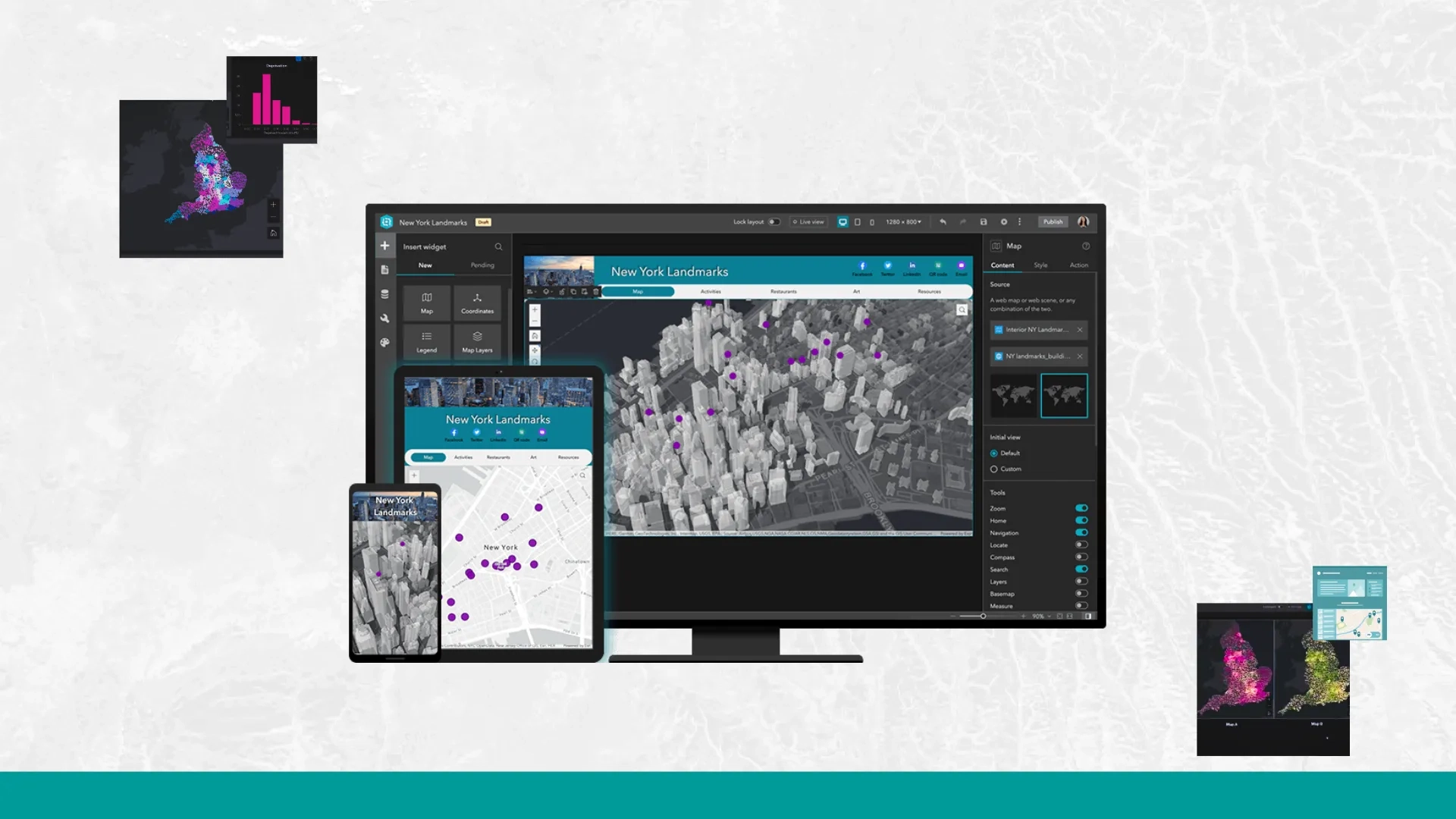
Learn the basics and explore the main components of the interface.
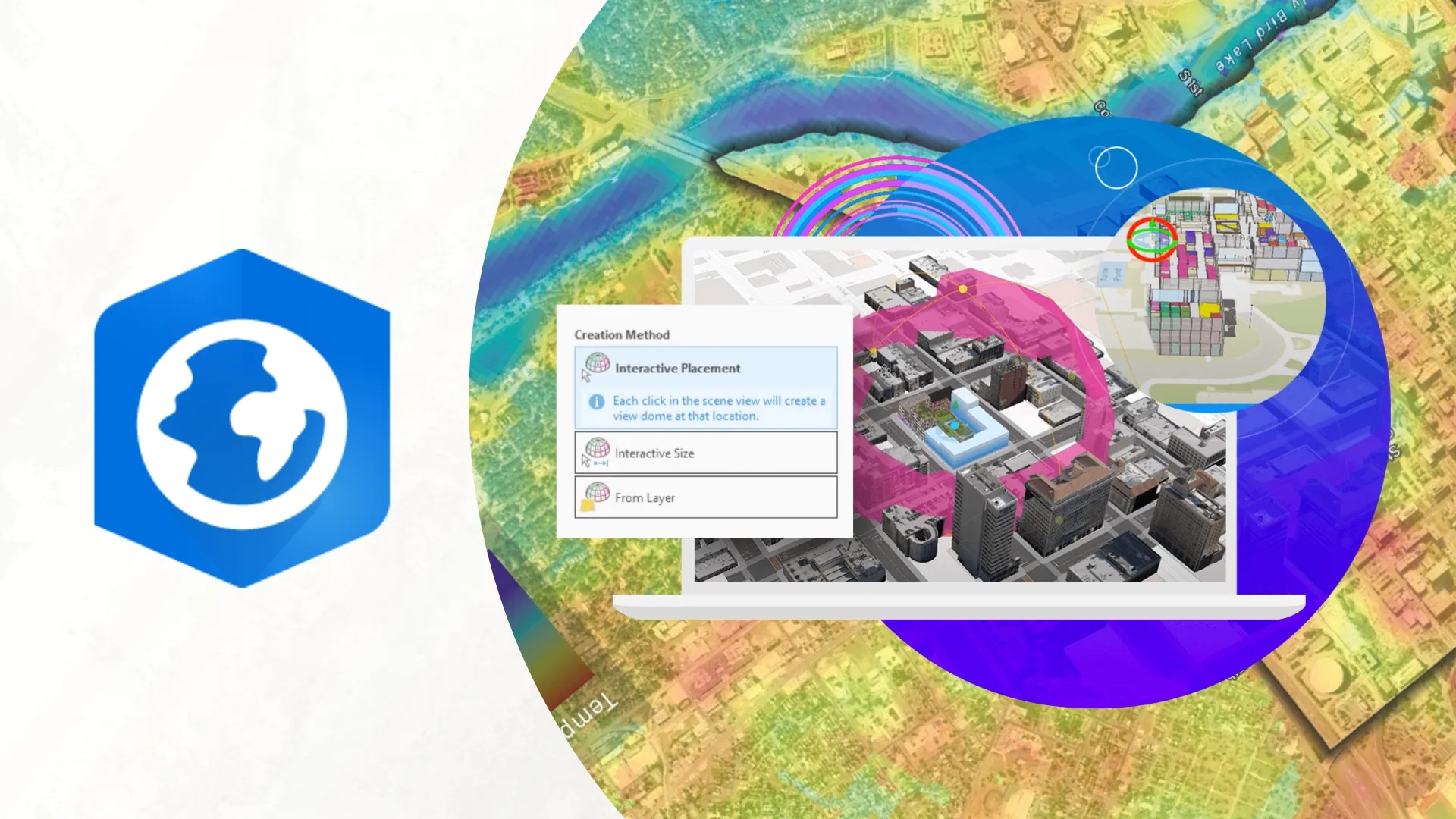
Level up your GIS skills with user type pathways to find the training that fits your needs.

Jika ada pertanyaan, silakan hubungi kami. Kami dengan senang hati akan menghubungkan Anda dengan tim yang tepat dan memberikan bimbingan untuk membantu memaksimalkan penggunaan ArcGIS Anda.
Explore ArcGIS Pro
Discover what ArcGIS Pro can do today, and what’s coming next.